
How to Sign an Invoice
Signing the invoice confirms that you've reviewed and acknowledged the services and charges listed. It's important to note that signing an invoice does not automatically mean the invoice has been paid. Payment is a separate step.
To sign an invoice:
- Log in to the Client Portal using your usual login credentials.
- Select the invoice you want to review.
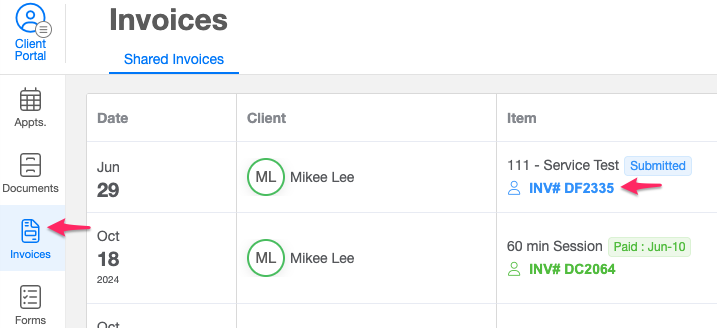
- Carefully check the services, amounts, and billing details to ensure everything is correct.
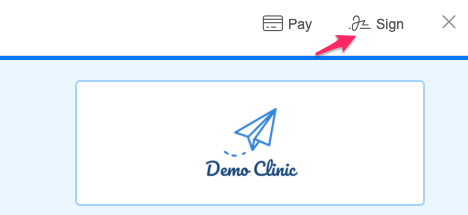
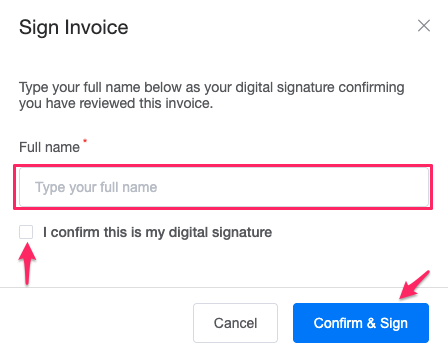
- Click the Sign button.
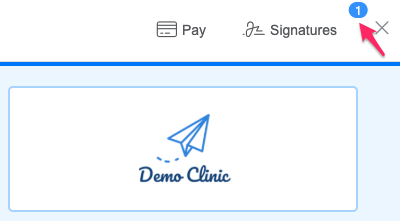
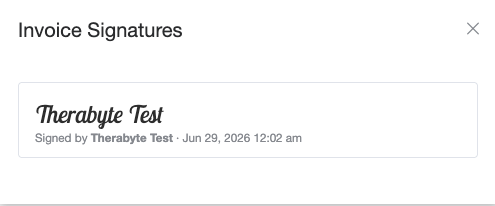
- Once confirmed, your signature will be attached to the invoice
 |  |