
Related Articles:
- Discharging a Client
- How to Manage Client Statuses in Therabyte (Active, On Hold, Discharged, Waitlist)
- Permanently deleting a Discharged Client
How to Reactivate a Discharged Client
Go to the Clients tab and select the Discharged list.
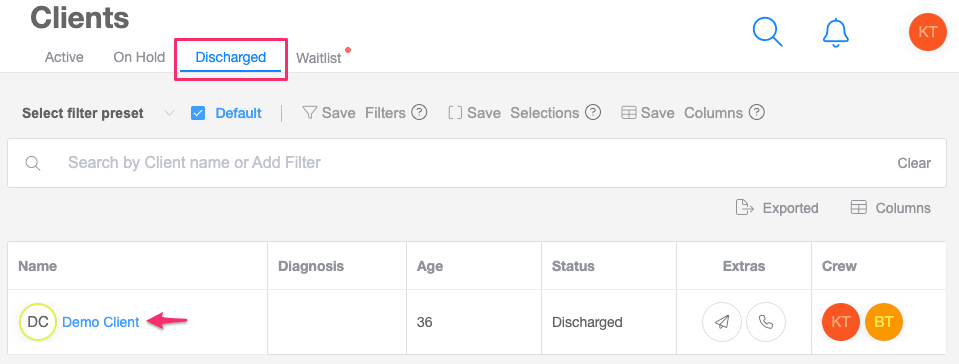
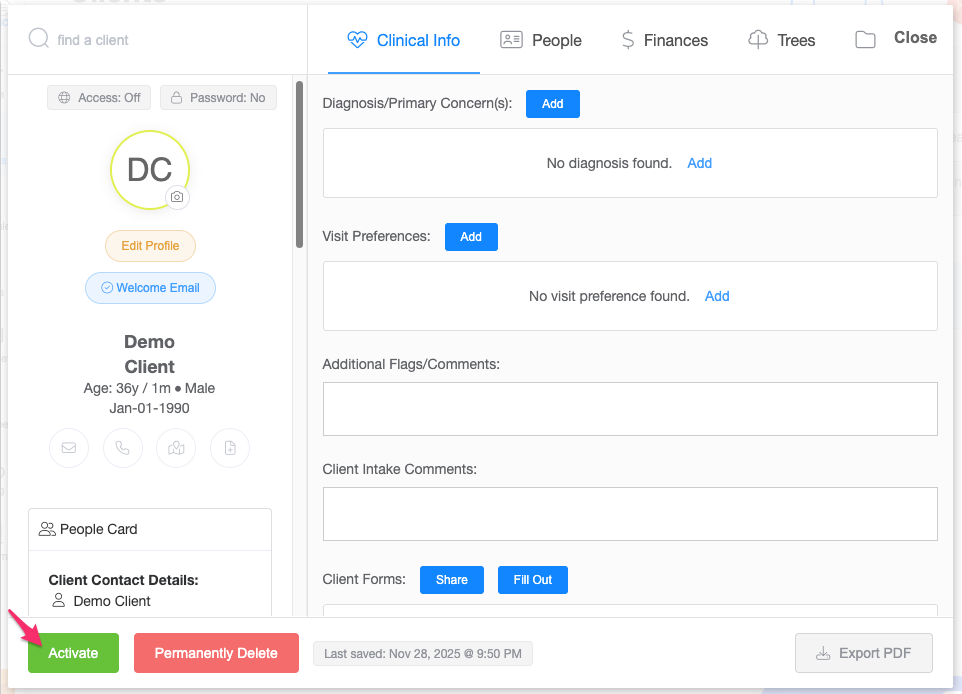
Select the client you would like to reactivate and click the Activate button.
Choose whether you would like to reactivate:
The client only
The guardian(s) only
The client and their guardian(s)
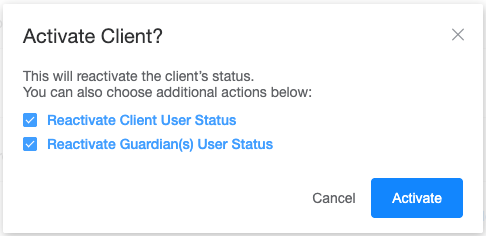
Click Activate to confirm.
Once activated, the modal will close and the client’s name will automatically move back to your Active Clients list.