
If a guardian would like to receive services and be added as a client, there’s no need to create a separate record. You can quickly register them as a client using their existing email address, and the system will link their information automatically.
Step-by-Step Guide
Copy the Contact’s Email Address
Go to the client profile where the contact is listed.
Locate the Primary Contact.
Copy their email address.
Go to the Clients Tab
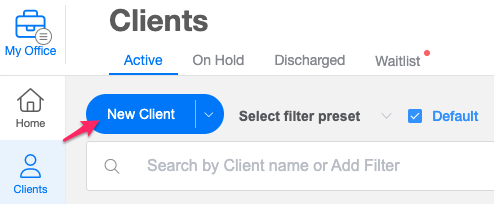
Navigate to the Clients tab.
Click the New Client button.
Enter the Existing Email Address
In the New Client modal, enter the contact's first name, last name, and birthday.
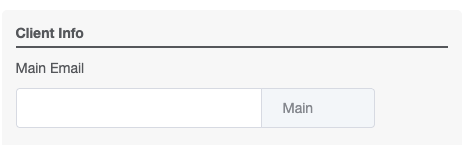
Then scroll down to the Email Address field.
Paste the copied email address and press Enter on your keyboard.
Register as a Client
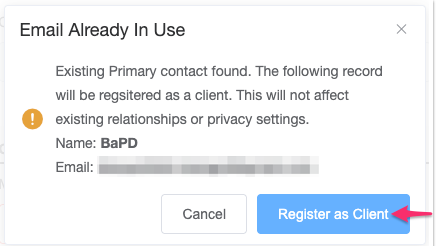
A modal will appear notifying you that the email address is already in use.
Select “Register as a Client”.
Complete the Registration
Continue filling out the remaining client details.
Note: This option is available only to users with the Guardian role. Users with the Contact or Representative role cannot register as clients using their current email address.